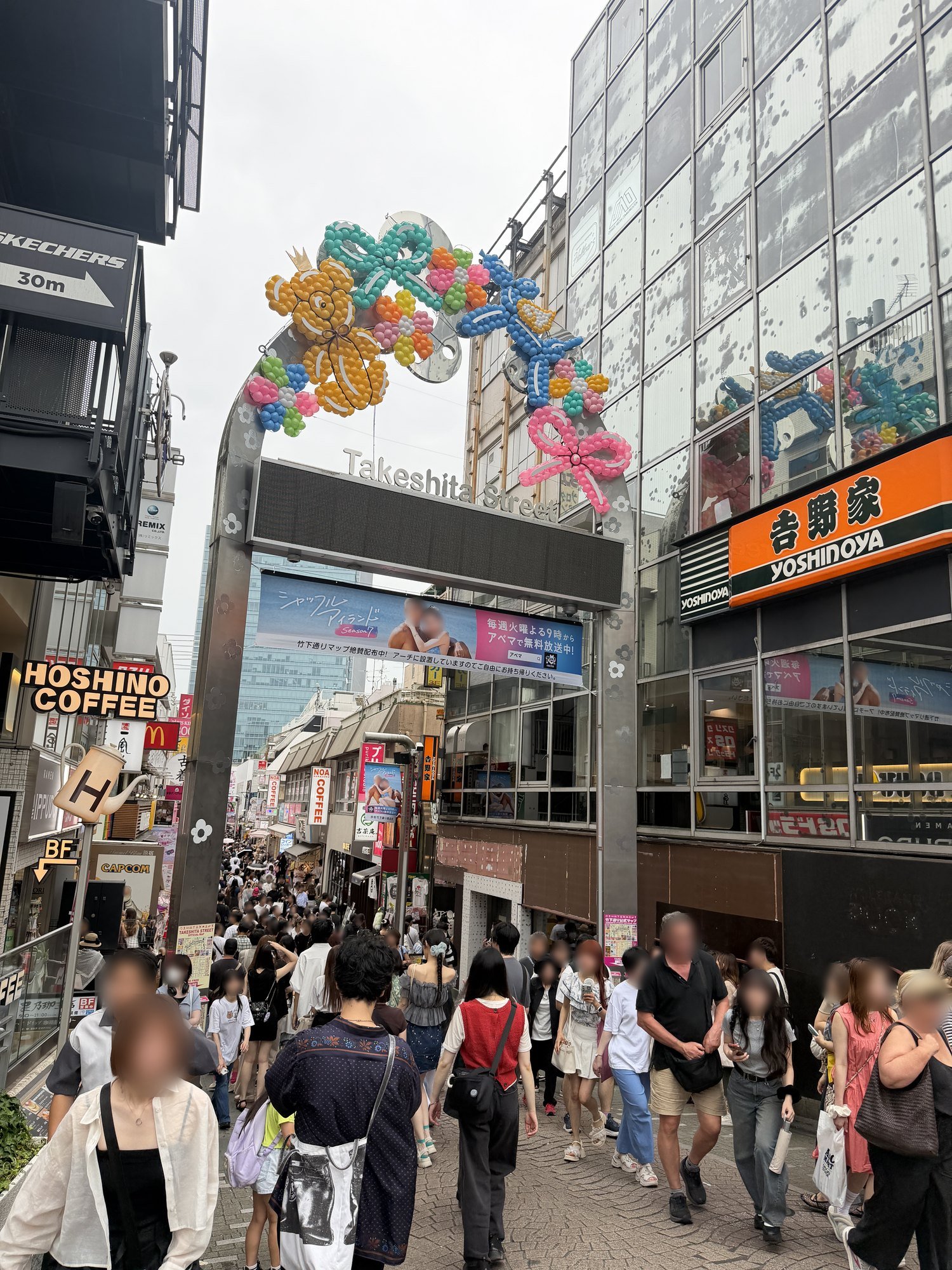
In March 2025 I made 164 songs in Suno to fill one 1-hour jazz video. I used 24 of them.
That wasn’t a clever strategy. That was what it took.
Back then the songs came out with digital crackle buried in them. Some ended like someone had walked out of the room mid-phrase. And I couldn’t ask for a length — Suno decides that, not you. So I kept generating, because generating was free and unlimited.
Last month I opened Suno again. It’s a different tool now. And the thing that limits you has moved somewhere else entirely.
At a glance
Cozy Jazz Café 3 · 1 hour 2 minutes · published March 2025
- 🎵 164 songs made → 24 used
- 🖼️ ~89 images made → 24 used
- ⏱️ About two weeks of generating (March 1–13)
- 📊 4,533 views · 1,600 watch hours · +14 subscribers
That last row is worth unpacking. 1,600 hours across 4,533 views is an average view of about 21 minutes — a third of a 62-minute video. And those 14 subscribers are half of everyone who follows my channel.
One more number, because it’s the reason I’m writing this: I only found that out by accident — I have 17 AI music videos on that channel, about 7,200 views between them. Three videos hold 6,400 of those views. The other fourteen get 13 to 74 views each. The three are the ones made the way I’m about to describe.
Part 1 — The music (and why it took 164 tries)
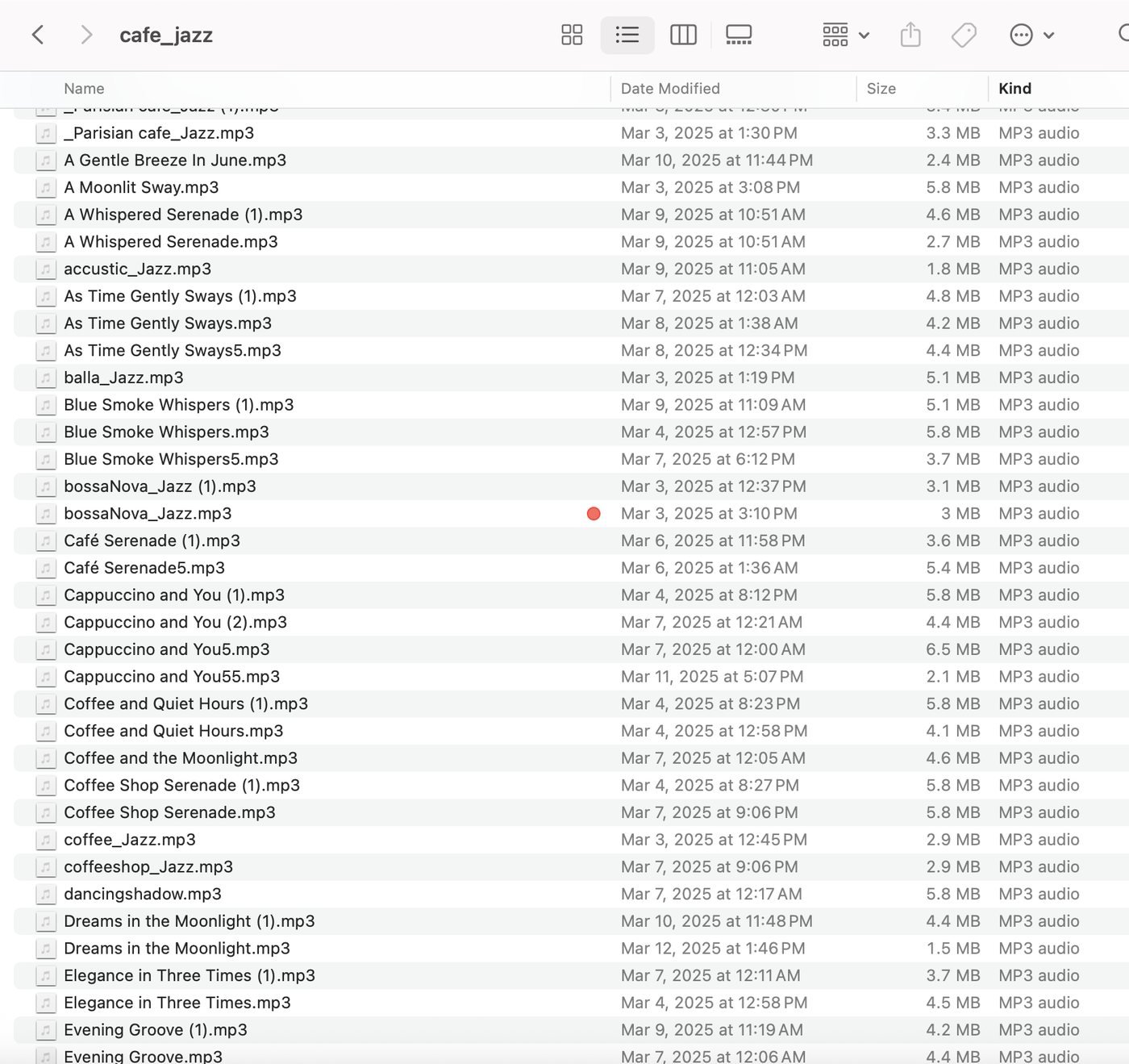
I’m on Suno Pro. One prompt returns two songs — same instruction, different results. Between March 1 and 13, the folder filled up with 164 mp3s.
The filenames tell the story: four attempts at one song, and the one that made it into the video was Cappuccino and You55.
You don’t get to pick the length. This surprised me most. Suno decides how long a song is. The same prompt gives you a minute one time and over three minutes the next. In this video the shortest track is 0:57 and the longest is 4:27 — nearly five times the difference, averaging 2:35.
So you can’t order “twenty three-minute tracks.” You take what arrives, lay it end to end, measure, and go make more if you’re short. Some of those 164 songs exist purely because I needed to hit an hour.
Some songs simply didn’t finish. They’d stop like a thought left hanging. Suno’s Extend is supposed to continue them, but back then it worked maybe one time in ten — the continuation would change mood, or trail off again, or come back as noise. Ten attempts to rescue one song took longer than starting over.
And there was crackle. A faint digital rasp inside otherwise fine recordings. Barely there in a busy passage, obvious under a quiet piano. On something people leave playing for an hour, that’s fatal — so I cleaned it in Premiere, track by track. That repair work ate more hours than the generating did.
Choosing, once the broken ones were gone
For a 1-hour video you aren’t picking good songs. You’re picking songs that can sit next to each other.
A track can be lovely alone and wrong in sequence — piano throughout, then a saxophone arrives at twice the volume. On a video meant to stay in the background, that wakes people up. Some of my favourites didn’t make it for exactly that reason.
I also cut anything under two minutes (the picture changes too often), anything that stopped abruptly, and anything that felt like the song before it.
⚠️ Rename what Suno hands you
Two of my songs came back titled “Moonlight Serenade” and “For All We Know.” Both are real jazz standards.
Titles aren’t copyrightable and my music is nothing like those recordings — but putting those names in the description of an hour-long music video invites an automated copyright system to take an interest. There’s no upside to the risk.
Suno also reaches for the same vocabulary over and over. Ten of my 24 titles contained “moon.” Moonlight Serenade, Moonlit Serenade, Moonlit Martini, Moonlit Stroll, Moonlit Tap. Listed as chapters, they read as one song repeating.
Read your titles before you upload. I changed five.
Part 2 — The images
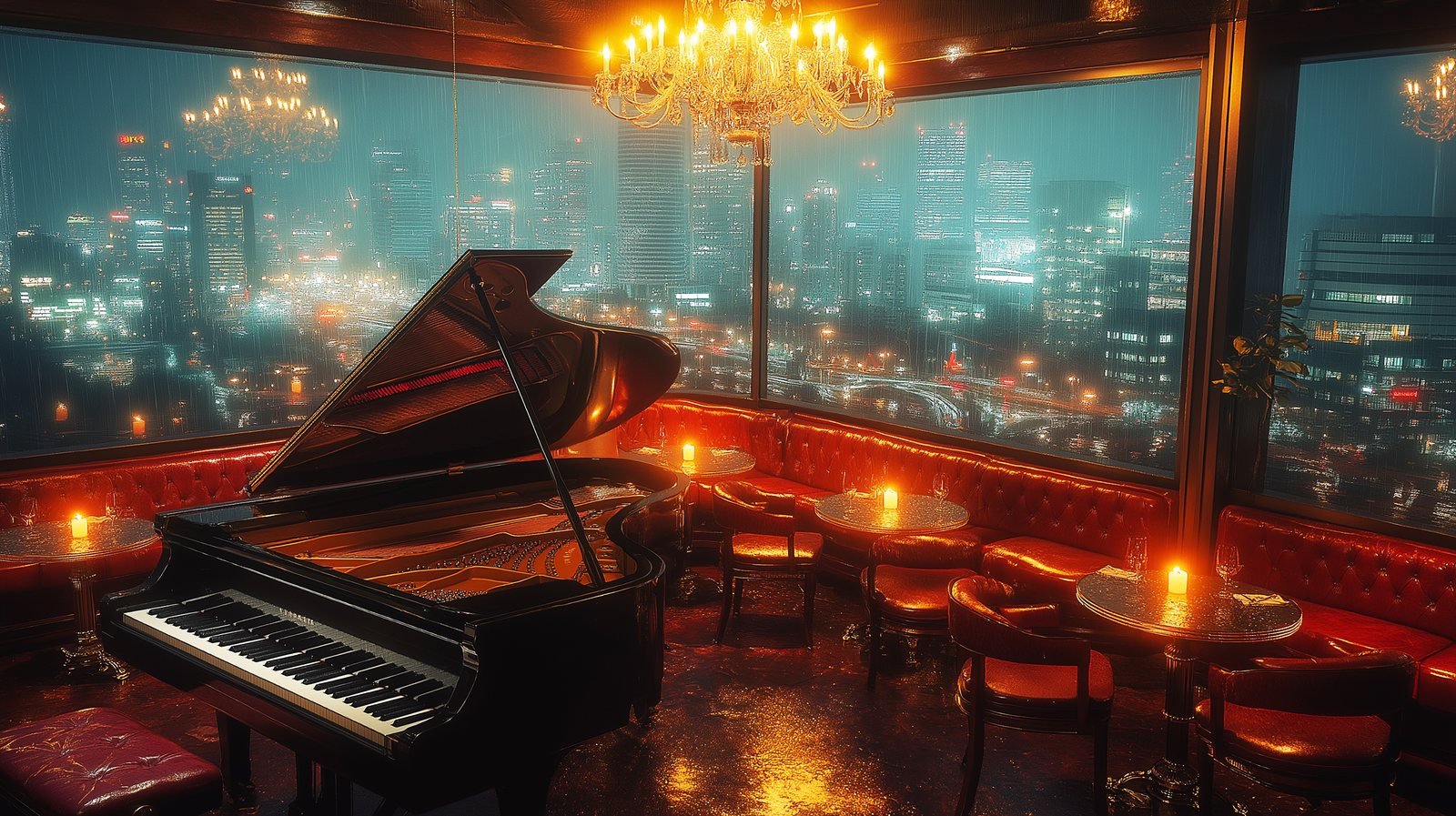
I used Midjourney and Kling, starting with Midjourney and adding Kling later. Prompts ran along these lines: a cozy coffee shop or jazz bar interior with warm lighting, a sophisticated vintage jazz scene in a luxury bar, the interior of a 1920s bar with a stage and dance floor, a peaceful garden café surrounded by blooming flowers.
That produced about 89 candidates. I used 24.
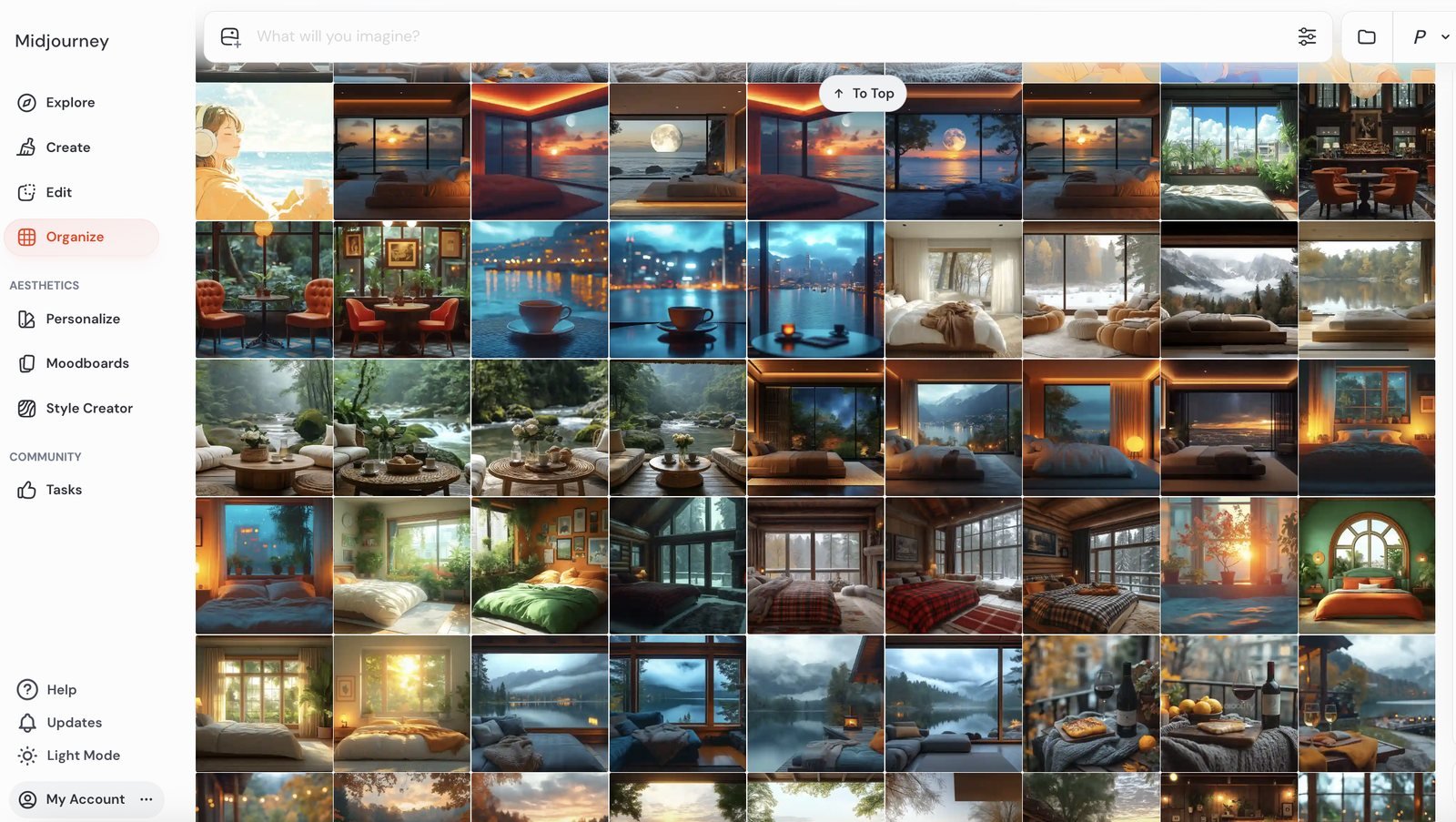
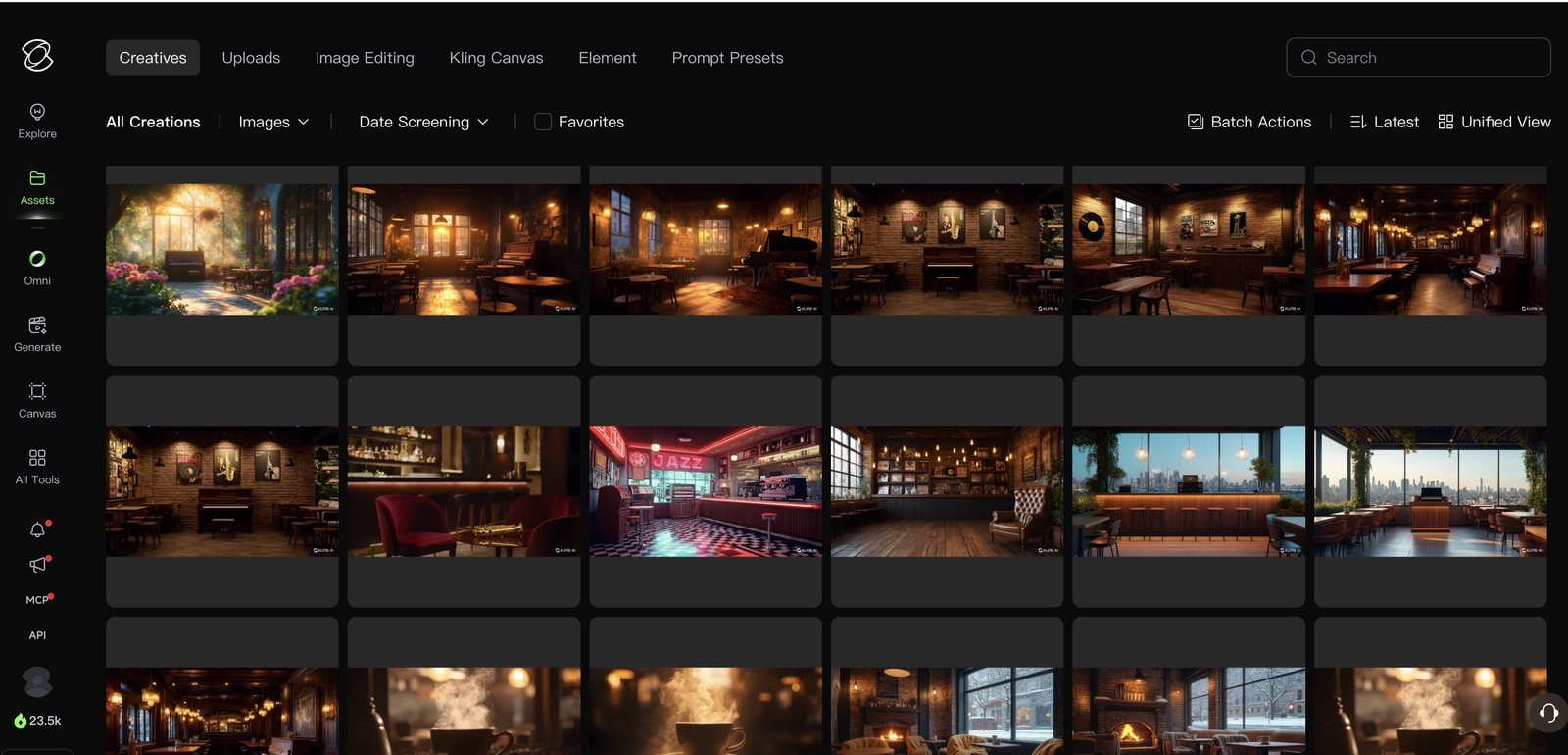
Making one beautiful image is easy — the tools do that. The work is making 24 of them look like one video. One frame too bright, one too cool, one with a person in it, and the spell breaks at that moment. I put the same words in every prompt — warm, dim, amber, night — and threw away whatever still didn’t match.
The song titles on screen aren’t AI. I set those in Photoshop: my typeface, my placement. They appear about four seconds into each segment and stay for eight, twenty-four times over. It’s a small thing that does a lot of work, for reasons I’ll come back to.
Part 3 — The edit, and the decision that mattered
Most 1-hour AI music videos are one still image for the whole hour. Search and you’ll see. A photo, an hour of music, done.
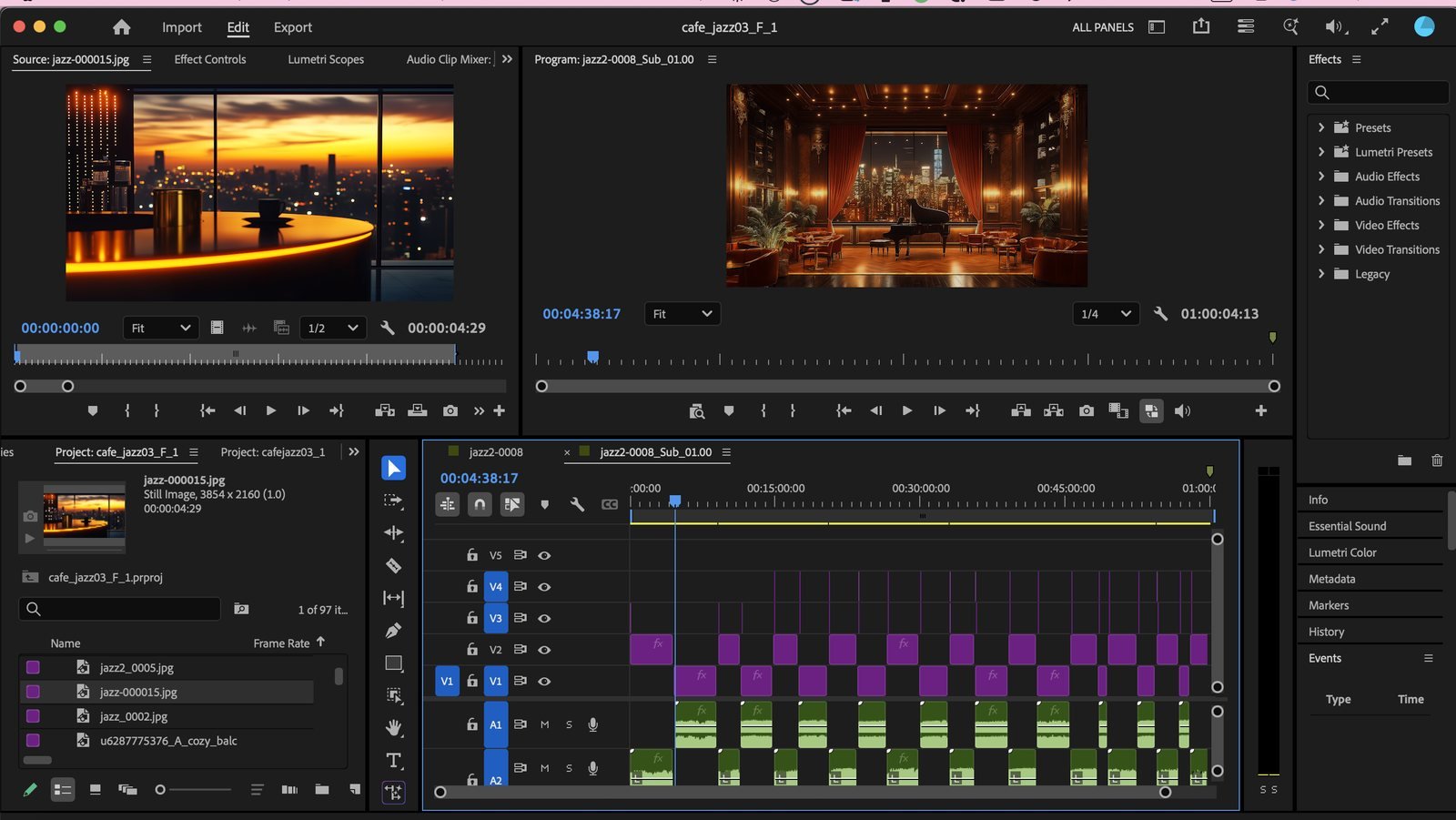
Mine changes every time the song does. 24 songs, 24 images, one to one.
Don’t blend them. Separate them.
Here’s where instinct sends most people the wrong way: you want to crossfade the songs into each other so it flows.
That doesn’t work with AI-generated music.
On a human-made album the tracks were arranged to sit together — shared key, related tempo. My 24 Suno tracks weren’t. Different keys, different speeds, different instruments. Overlap them and they argue. You get mud.
So I did the opposite and pulled them completely apart. The same shape, all 24 times: 2 seconds of black → image appears → 1.7 seconds later the music starts → music and image end together → 2 seconds of black.
I reopened the project file to check, and measured all 24: the black between images is exactly 2.00 seconds every time, within four hundredths of a second. The image leads its music by 1.7 seconds on average. The picture and the song end on the same frame — 23 of 24 matched to two decimal places.
Three things that buys you. The songs never collide, because one has fully ended before the next begins. The black gives your eye a beat to accept a new picture instead of chasing it. And because the image arrives first, the frame has already settled when the music starts — eye first, then ear, which is calmer than both at once.
I didn’t reason any of that out at the time. I felt for it. It was only opening the file a year and a half later that I saw how consistent it had been.
Doing it this way took days. One still image would have taken ten minutes. Three videos made this way hold 89% of my channel’s views.
The rest of the Premiere work was unglamorous: matching levels song by song, since Suno’s output volume wanders; repairing the crackle; a 4K timeline at 3840×2160, because YouTube gives 4K uploads a better codec. The finished file was 17.7 GB.
Part 4 — Upload, and the thing I didn’t do for a year and a half
I uploaded it, wrote the description, added tags. And I never added chapters.
Chapters matter on a long music video: the progress bar breaks into songs, people jump to the one they like, YouTube surfaces them in search results, and the song titles land in the description where they can be found.
The timestamps were already sitting in my project file. Every point where I changed the image is a point where a song begins. There was nothing to work out.
I added all 24 while writing this post. If you make one of these, put the chapters in on upload day.
What YouTube actually checks
There’s confusion about this worth clearing up.
Labelling your music as AI-generated costs you nothing. YouTube says so directly — the label alone doesn’t affect monetization or recommendations.
Mass production is what gets you. Channels pushing out near-identical uploads — one image, swapped audio, copy-pasted descriptions, songs nobody could tell apart — run into trouble even when every audio file is technically distinct.
The test is roughly: can a reviewer see why this video exists, and which decisions came from a person?
Which makes the answer the same as everything above. Twenty-four songs chosen out of 164. Audio repaired by hand. A new image for every track. Title cards built in Photoshop. Song names corrected. Writing this post is itself the kind of record they’re looking for.
What changed, a year later
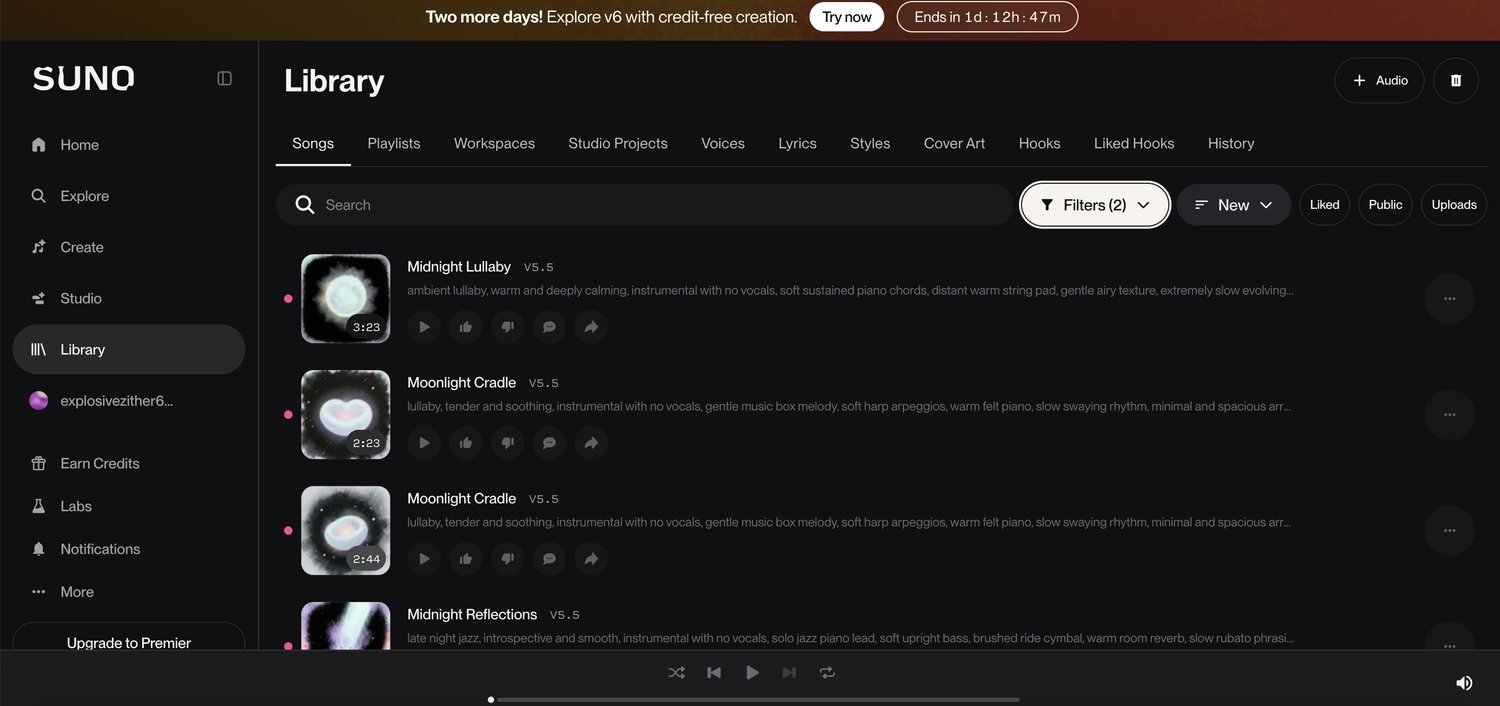
I opened Suno again last month and made a few songs.
I would not have needed 164.
No crackle. The songs finish. No Extend loops. A prompt that says clearly what you want comes back as something usable. All those hours of repair in Premiere have essentially vanished.
But a different door closed.
The download cap — new as of September 3, 2026
Suno now limits how many songs you can download per month. This is ten days old.
| Plan | Downloads / month |
|---|---|
| Free | ~7 |
| Pro | 20 |
| Premier | 60 |
Re-downloading a song, or grabbing it in another format, still counts as one. So the question is how many different songs you can get your hands on.
Now do the arithmetic. This video used 24 songs. Pro gives you 20 a month. You cannot make one hour-long video in one month on Pro. You’d need two — assuming all 24 downloads are keepers. Premier’s 60 covers it comfortably.
Which flips the whole workflow
I used to download everything and sort it out in the folder. All those (1), (2), 5, 55 filenames are the fossil record of that.
Now you have to choose inside Suno and download only what you’re keeping. Judging a song in a browser is harder than judging it in a folder — you can’t drop it next to its neighbours and listen. So you write better prompts, because throwing ten at the wall no longer works.
| March 2025 | Now | |
|---|---|---|
| Song quality | Poor — crackle, unfinished endings | Good |
| Generating | Effectively unlimited | — |
| Downloading | Unlimited | 20/month on Pro |
| The bottleneck | Finding something usable | Deciding what to keep |
| The strategy | Make a lot, sort later | Choose before you download |
The funny part is that selection is the slow step either way. A year ago it was slow because I was panning for gold. Now it’s slow because they’re all good and I only get twenty.
If you’re making one now
- Decide the length first, then pick the plan. At roughly 2:30 a song: 30 minutes needs about 12 songs (Pro works), an hour needs about 24 (Premier, or two months of Pro), two hours about 48. Since you can’t control song length, leave yourself room. I’d start at 30 minutes and grow it once you see how it lands.
- Check the commercial rights for your plan before you build anything you intend to upload.
- Spend your effort on the prompt, not on volume. Suno rewards a clear intention now; brute force just costs you downloads.
- Audition inside Suno, download only keepers. Then listen to them back to back — how they sit together is the whole job.
- Change the image every song, and don’t crossfade. Two seconds of black between them. AI tracks don’t share keys or tempo, and overlapping them turns to mud.
- Make your own title cards, add chapters on upload day, and label it as AI. The label costs nothing. The first two are the fingerprints that say a person made this.
Watch the video
See how it’s made, step by step
I filmed the whole thing for the newest volume — writing the Suno style prompt, choosing which tracks to keep, the Midjourney prompts, the Photoshop title card, the Premiere timeline, and the export settings. Eight minutes, start to finish, nothing skipped.
That video took two weeks, and most of it wasn’t making music. It was throwing music away and repairing what was left.
Today the same video would take a few days. The tools got that much better.
The editing wouldn’t get any shorter, though. Changing the image for every song, holding those two seconds of black, setting twenty-four title cards by hand — that’s the part that earned 89% of my views. What AI shortened was the raw material. Everything after it is still the work.
I’m making Cozy Jazz Café 4 now. This time the chapters go in on day one.