AI Image Generation: Why Does It Work for Some People and Not Others?
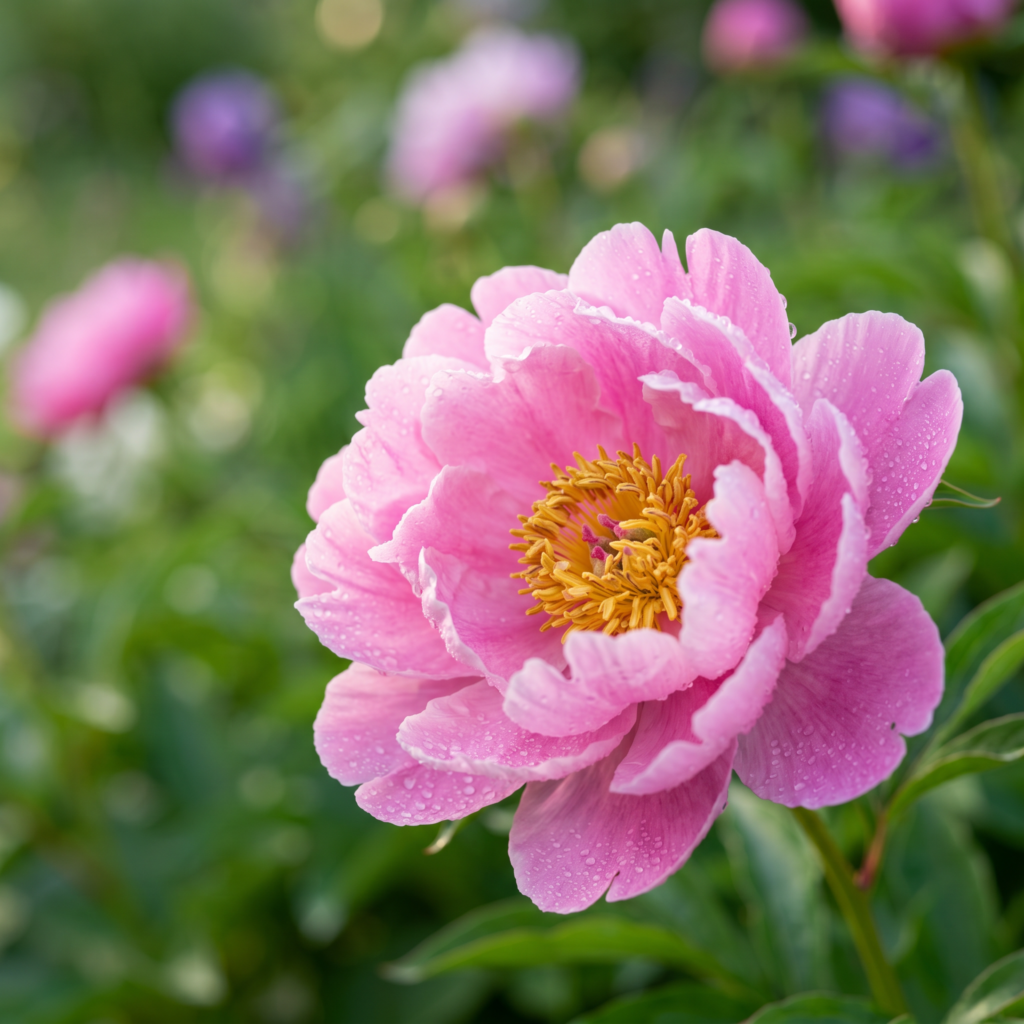
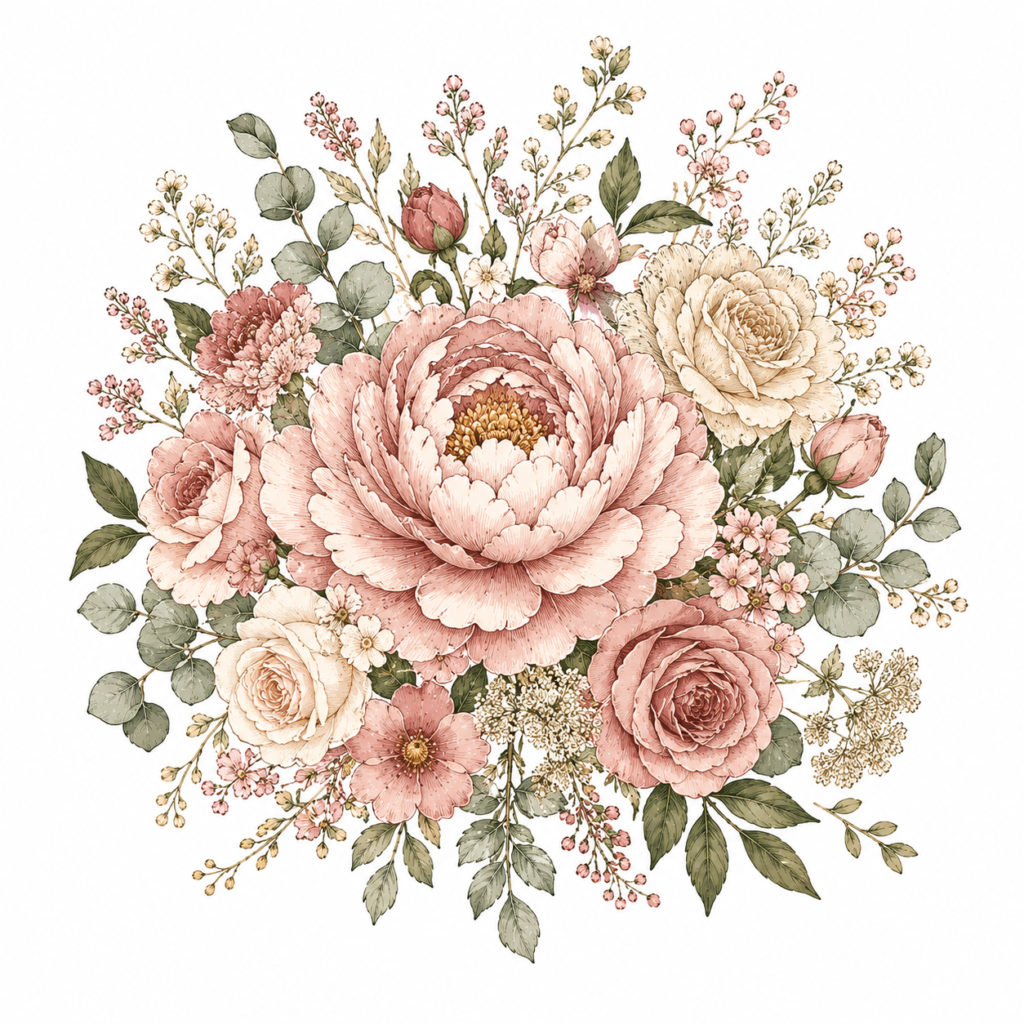
Left: “flower.”
Right: the same idea with the 5 formulas added. Same tool, very different result.
Have you tried an AI image generator and not gotten the picture you wanted? Here’s the thing: the quality of AI art depends more on your prompt than on the tool you use. With the very same AI, one person ends up with something forgettable while another creates an image good enough to print.
I didn’t understand the difference at first either. Then it clicked — good results start with a good prompt.
In this post I’ll share the easiest way to write better AI image prompts, based on what I learned making t-shirt designs and fabric patterns with Midjourney, ChatGPT(DALL·E), or Adobe Firefly .
AI Image Generation: Why Does It Work for Some People and Not Others?
Here’s the most common beginner mistake: typing the way you’d type into Google. If you enter “pretty cat,” the AI has no idea what you actually want. What kind of cat? What style? What colors? For what purpose? It doesn’t know any of it — so it gives you the most average, generic result possible.
When I write a prompt, I always think of it this way: a prompt isn’t a search query, it’s an order form for a picture. Think about ordering coffee at a cafe.
“A coffee, please” vs. “a warm latte, extra foam, a little cinnamon.” The second is far clearer — and AI works the same way.
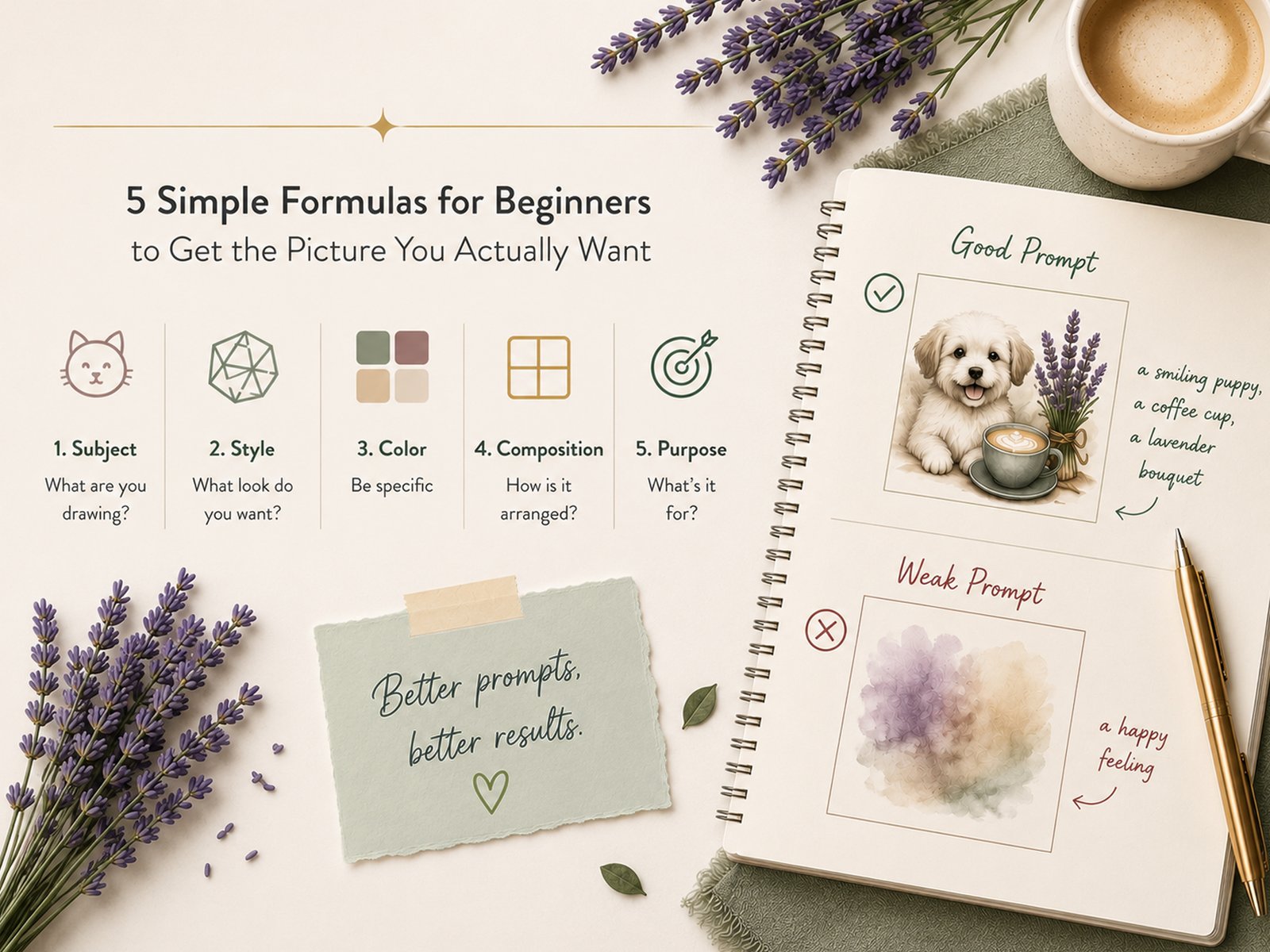
The AI Prompt Formula: Just Remember These 5 Things
This is the formula I use most when I design. You don’t need all five every time, but the more you include, the closer the result gets to the picture in your head.
1. Subject — What are you drawing?
Use concrete, visible objects rather than abstract words. Things like “love” or “happiness” leave the AI guessing.
a happy feeling
a smiling puppy, a coffee cup, a lavender bouquet
2. Style — What look do you want?
The same cat looks completely different as a watercolor versus a line drawing. Styles I reach for often: watercolor, line drawing, vintage, minimal, flat illustration.
just draw it
minimal line-drawing style, flat illustration
For t-shirt designs, I often go with a clean flat illustration or line drawing — it prints crisp and sharp.
3. Color — Be specific
Color sets the whole mood. “Pretty colors” is too vague, so spell it out.
nice colors
warm pastel tones / black and white / muted earth tones
4. Composition — How is it arranged?
This matters more than you’d think. Tell the AI the purpose and it tailors the result.
- For t-shirt printing: “transparent background, high resolution”
- For pattern design: “seamless repeating pattern”
Good Prompt vs. Bad Prompt — At a Glance
Put all five together and here’s the difference.
draw a cat
minimal line-drawing style cat, black and white, centered, white background, sticker style, high resolution
Feel the difference? A strong prompt simply gives the AI more information — and the more it has, the closer you get to the image you wanted.
ChatGTP Example — Flower for T shirts Example
For my last t-shirt project, I created a some flowers. At first I just typed this:
First prompt
Flower
Prompt Used for vintage flower
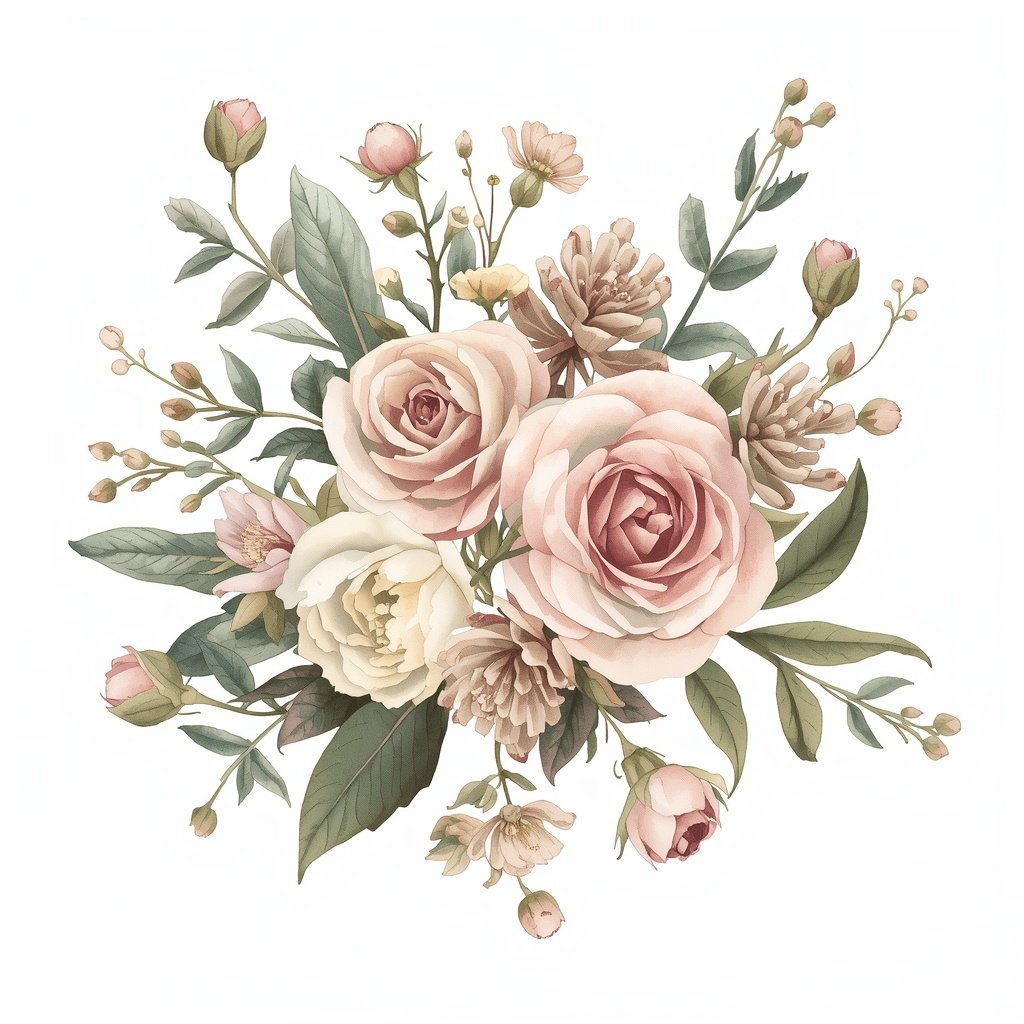
Create a 1:1 square image: A vintage feminine floral bouquet illustration, delicate roses, peonies and wildflowers with soft green leaves, watercolor and fine line-art style, muted dusty rose, blush and sage green palette with cream tones, centered symmetrical composition on a plain white background, clean t-shirt graphic design, high resolution
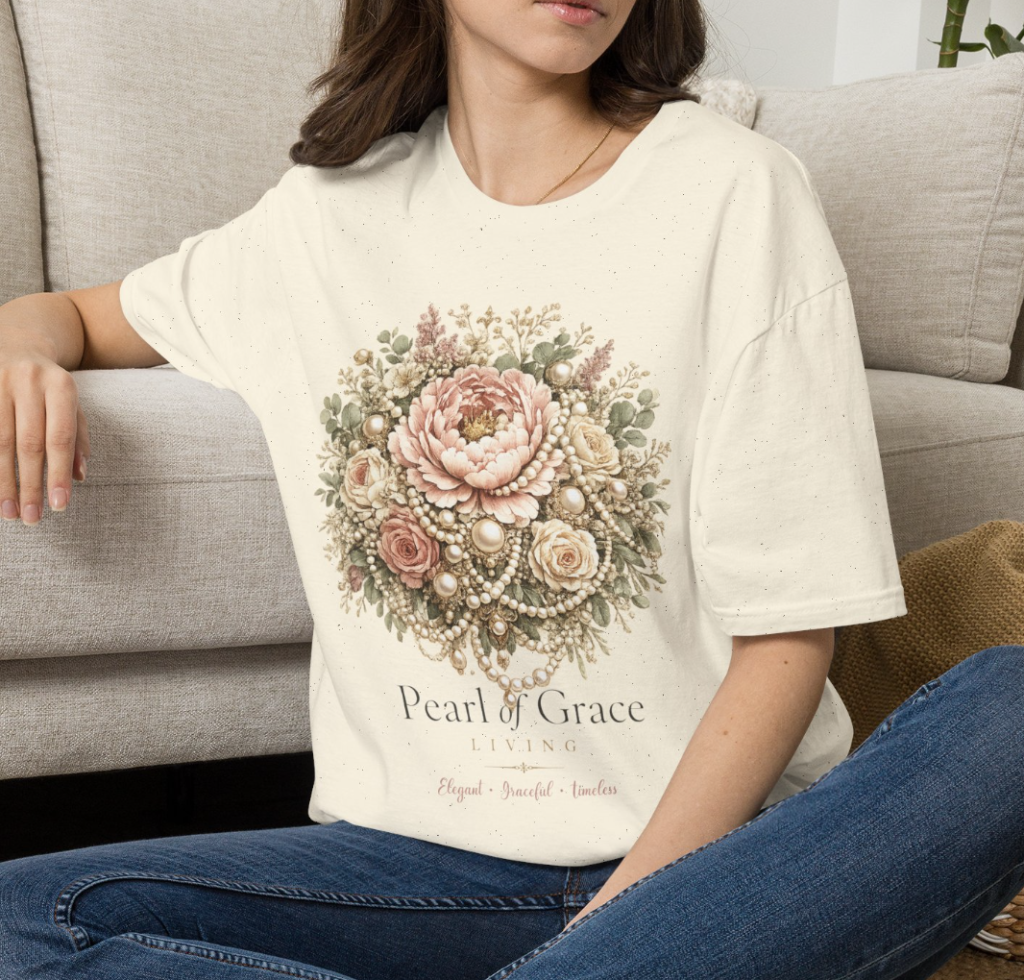
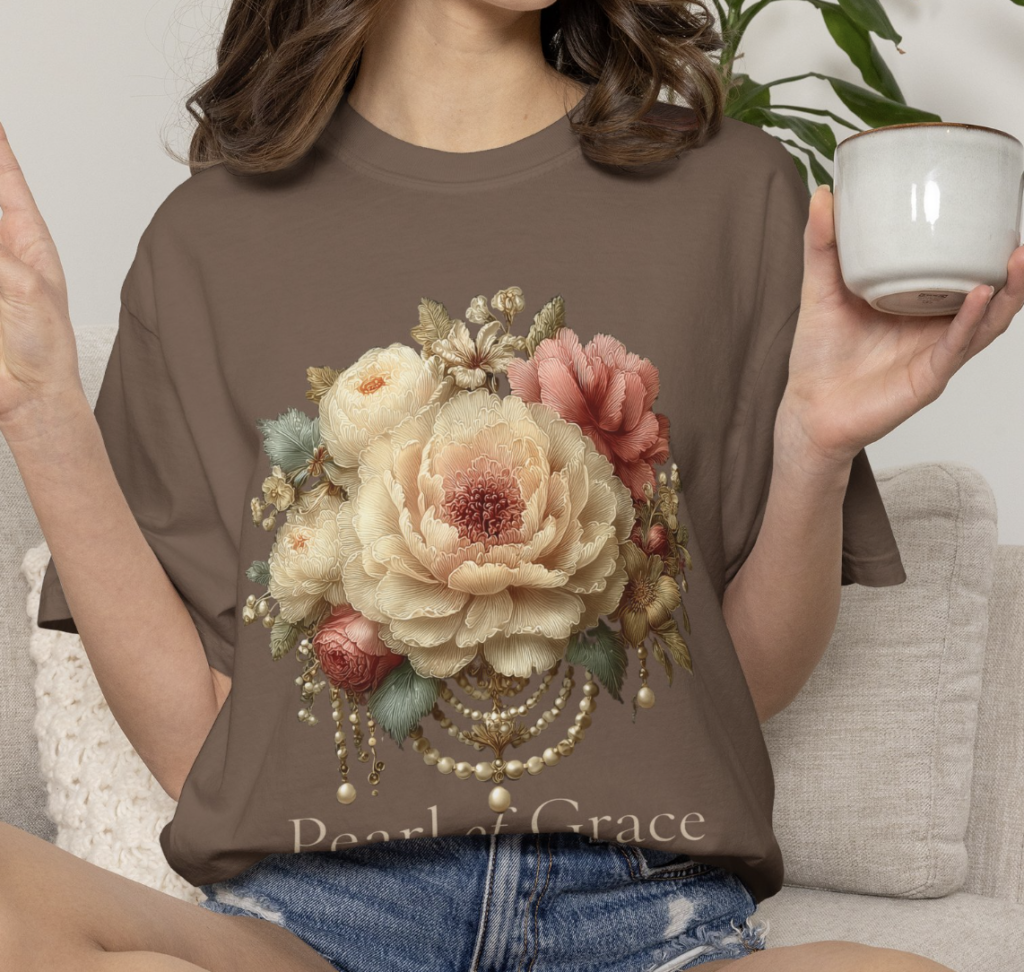
The result came out much closer to what I had in mind. The difference came down to including all five: subject (oses, peonies and wildflowers with soft green leaves,. vintage feminine floral bouquet ) + style (watercolor and fine line-art style) + color (muted dusty rose, blush and sage green palette with cream tones) + composition (1:1 square image, centered symmetrical composition) + purpose (clean t-shirt graphic design).
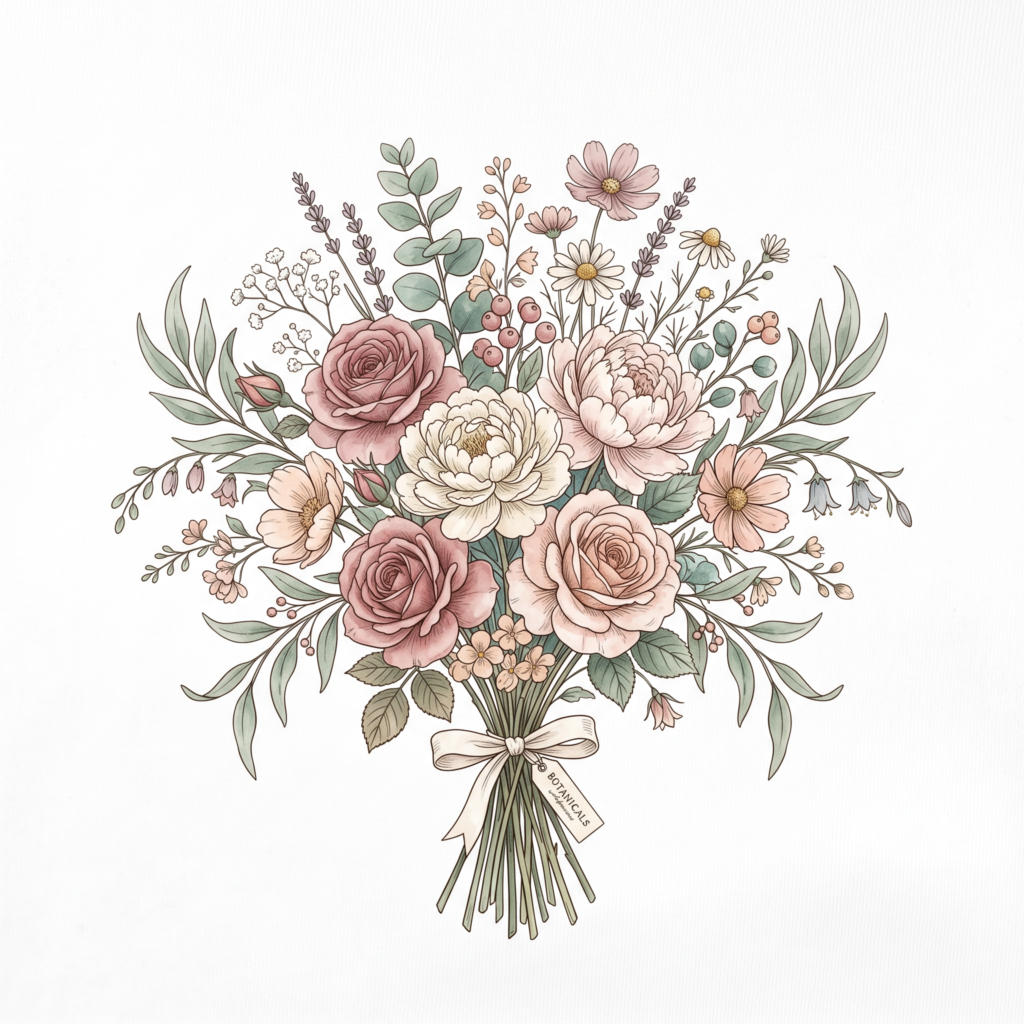
firefly (gemini/nano Banna)
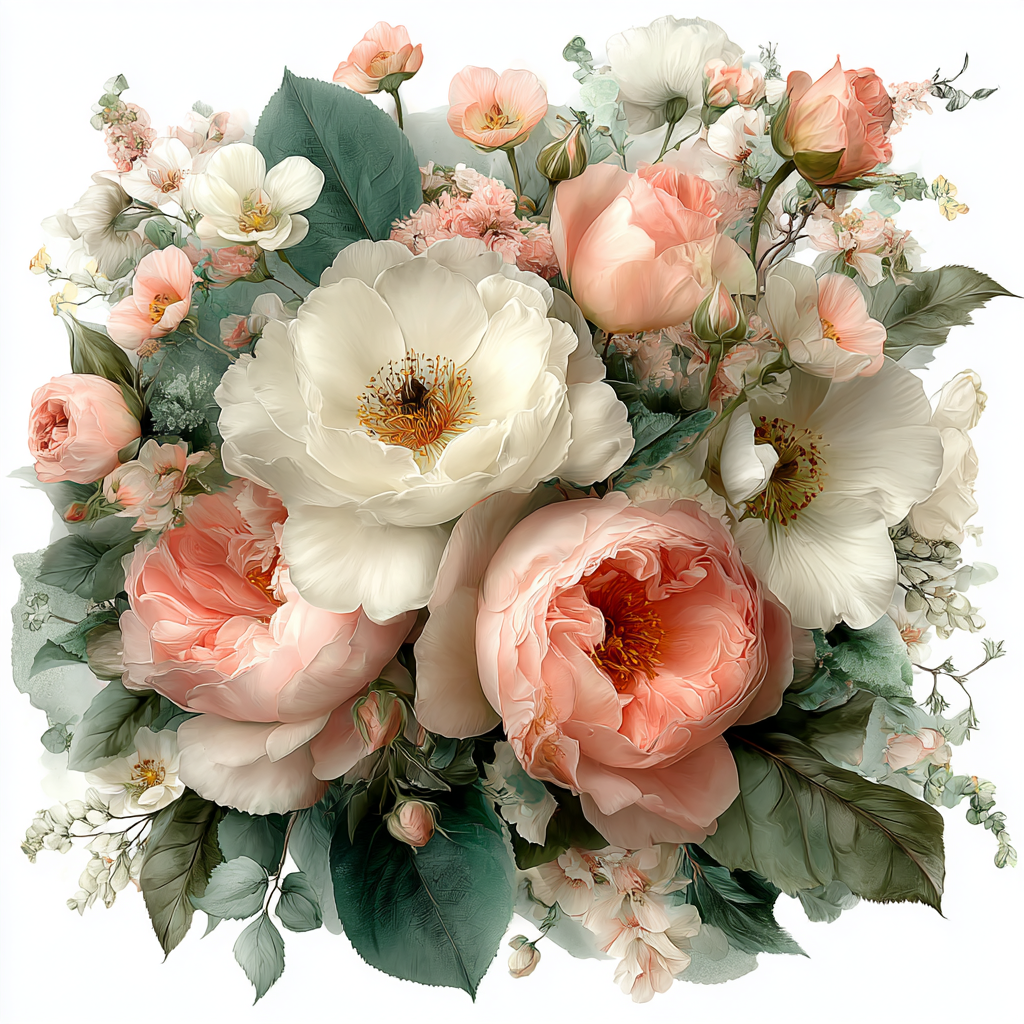
midjourney
leonardo.ai
comparison prompt
One designer tip: Ask AI prompt for help . also a very simple, precise vector shape like this still won’t come out perfect, because the AI draws it a little differently every time. So I rough out the big shapes with AI, then do the final cleanup and the logo by hand in Illustrator — mixing AI and the human hand.
Where Midjourney Really Shines — Patterns and Fabric Design
I’ve tried a lot of AI tools, but for pattern and fabric design I still reach for Midjourney most. It’s especially strong at:
- Fabric patterns
- T-shirt graphics
- Artistic color palettes
- Pinterest-worthy, mood-driven images
When I make patterns for Spoonflower, I mostly use Midjourney. A repeating pattern on fabric lives and dies by its color and detail, and that’s exactly where Midjourney’s results please me most.
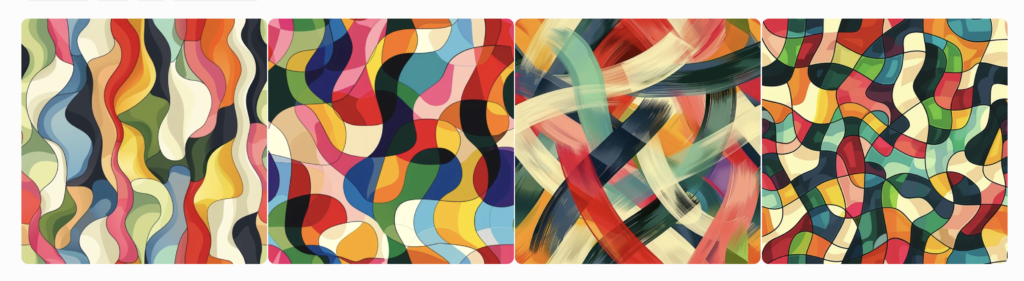
A pattern I made in Midjourney, shown on fabric.
The Same Principles Work in ChatGPT and Gemini
This post is framed around Midjourney, but the prompt principles are nearly the same in any tool — each just has slightly different strengths.
ChatGPT (image generation) — friendly for beginners because you can refine through conversation. “Brighter, please” or “remove the background” is easy, and it’s solid for t-shirt graphics.
Gemini — great for quickly brainstorming and getting a simple visualization.
Using ChatGPT to write prompts — beyond generating images, you can ask it to write the prompt itself: “Write me a prompt for this kind of look.” Handy when you’re stuck for ideas.
My usual flow: brainstorm ideas in ChatGPT, design patterns in Midjourney. But whatever tool you use, the core is the same — good results come from good prompts.
Common Beginner Mistakes (I've Made Them All)
- Writing too little — “a pretty design” is the fastest route to a forgettable result.
- Writing too much — cram in a dense paragraph and the AI loses the point. One subject plus two or three conditions is plenty.
- Using abstract words — not “a happy feeling” but “a smiling puppy,” something you can actually see.
- Letting AI handle the text — it garbles spelling. Add text separately in Illustrator or Canva.
- Giving up after the first result — I usually regenerate five or six times. Iteration is the real secret.
Frequently Asked Questions (FAQ)
Q. Are prompts better in English?
A. Most AIs understand many languages well now. That said, Midjourney is often more stable in English. If your prompt in another language gives weak results, try switching to English.
Q. The same prompt gives a different result every time. Why?
A. That’s normal. AI generates fresh each time, so you’ll never get an identical result. When you get one you love, save it and use it as a base, then tweak one thing at a time.
Q. Is a longer prompt always better?
A. No. Too long and the focus blurs. One subject plus a short note on style, color, composition, and purpose is best.
Q. Can I use ChatGPT to write my prompts?
A. Absolutely. When I’m stuck, I have ChatGPT help write the prompt. Just say “I want this kind of image — write me a prompt” and it does a pretty good job.
Q. Which AI tool should I practice with?
A. Plenty are free to start. I mostly use Midjourney for pattern and fabric design, but ChatGPT and Gemini are great too. Each has different strengths, so try one or two and pick what fits your hand. I’ll compare tools in a separate post.
Q. Can I put an AI-made image on a t-shirt?
A. Check the resolution and background before printing. And if you’re selling, always confirm the commercial-use terms of the tool you used. I covered the how-to in detail in the last post.
Final Thoughts
Prompting isn’t some grand technical skill. “Say specifically what you want” — that’s the whole thing. It feels awkward at first, but after a few tries you’ll find yourself translating the picture in your head into words with ease. And it’s genuinely more fun than you’d expect.
What would you love to make? I’d love to hear what prompts you’ve tried in the comments. In the next post, I’ll show you how to add logos and text to AI art in Illustrator to finish a design.